
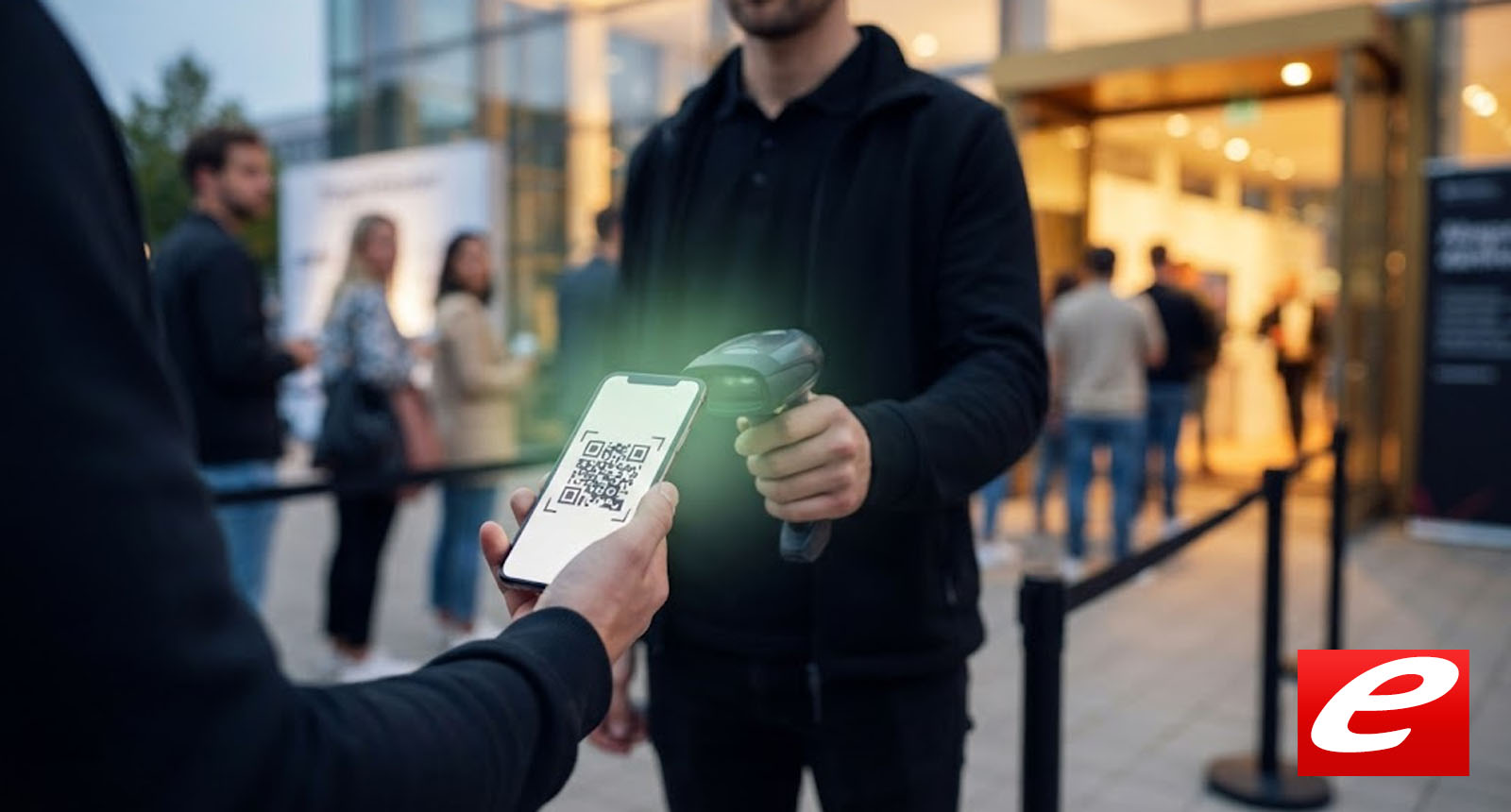
E-tickets and QR codes: how entry actually works now
How a QR-code ticket actually works, what to do with a dead battery or broken screen, and what data is captured on scan.
Ten years ago, every second concert had a staff member with a half-working mobile scanner. Now it's nearly every entry — and most of the problems that remain can be resolved beforehand.
How does a QR-code ticket actually work?
A QR code on a ticket contains no payment data and no personal information in the code itself. What it contains is a cryptographically signed string — usually a ticket identifier plus a signature proving that this identifier was issued by the authorised system. On scanning, the identifier is looked up in a database and the status checked: valid, already used, cancelled, blocked.
An important consequence follows: a QR code is not the ticket itself. It is the key that lets the system verify the actual ticket. Sharing a screenshot of the QR code doesn't necessarily produce multiple valid tickets — on the first scan the status flips to "used" and all further attempts are rejected. That's the standard behaviour; some older systems are less robust.
Does a screenshot work, or does it need to be the original app?
A screenshot generally works the same as the original — as long as it displays the full QR code sharply. Mobile wallet apps (Apple Wallet, Google Wallet) offer two extra advantages: they work without an internet connection, and they automatically raise screen brightness when the ticket is opened.
Entry barcode PDFs can be saved locally before the event and even printed if needed. That is the most robust solution for long festival days when the phone has run out of power.
What doesn't work: a photograph of someone else's screen. Reflections, moiré patterns and resolution loss make the code unscannable.
What happens with a dead battery or broken screen?
Most organisers now have a fallback workflow: show an ID, look up the ticket in the system by name, release entry manually. It works reliably, but takes five to ten minutes on average and blocks the main queue — so you'll usually be directed to a side entrance.
To avoid this, two options work. First, bring a power bank. A 5000 mAh bank covers two full smartphone charges. Second, import the ticket into Apple Wallet or Google Wallet before the event. Both apps can still display the QR code when the phone is on emergency reserve only.
For broken displays, the wallet path also helps because the phone can usually still be unlocked even if individual touchscreen areas no longer respond.
What data is captured on scanning?
It depends on the system. By default the following is logged: ticket ID, scan time, scan device, and entry point. What is not captured: the QR code contents as personal information, because the code itself carries no clear-text data.
What organisers do with the scan data falls under GDPR. Standard uses are entry statistics (how many visitors had arrived by 20:00) and, in disputes, proof that a specific ticket was used. Pseudonymised analysis — without a link to buyer identity — is permitted under Art. 6(1)(f) GDPR; personalised analysis requires a separate legal basis.
Specific data handling is documented in each ticket provider's privacy policy. For independent organisers this varies case by case; for the large providers (Eventim, Reservix, Ticketmaster) the standard practice is transparently documented.